
Make It Easier for Customers to Check Out.
Share public checkout links to let customers buy eligible products and services directly online.
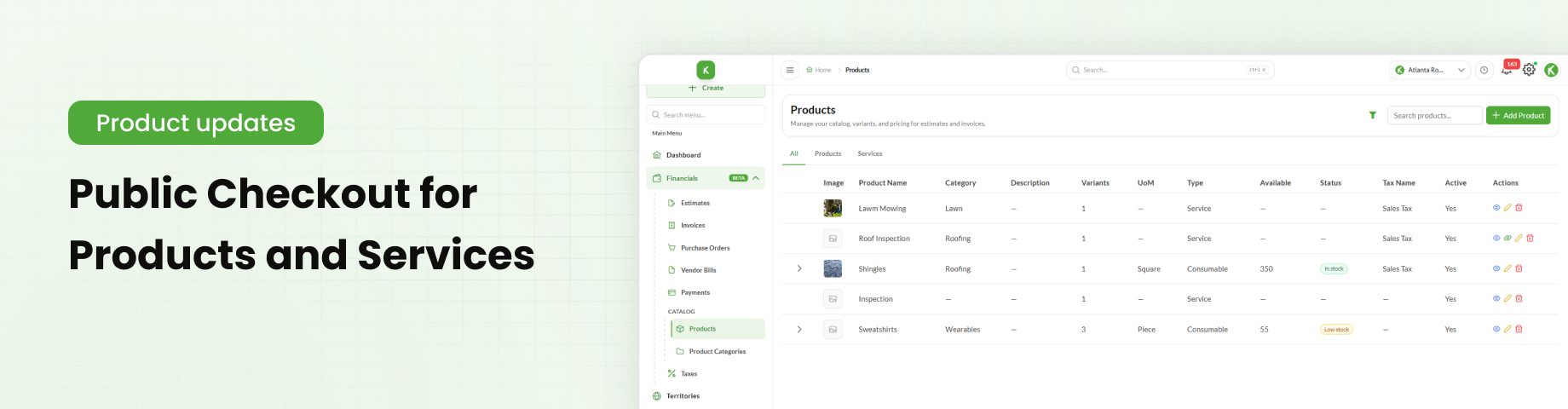
Table of Contents
Overview
Public Checkout is now available in production for products and services. This feature allows users to share checkout links directly with customers or add them to their websites, enabling customers to purchase eligible products and services through a public checkout page.
This article explains how to access, activate, and share public checkout links.
Accessing Public Checkout
A unique public checkout link is available on the detail page of each product or service.
To access the link:
Go to Financials → Products.
Click the View icon for the required product or service.
Locate the Public Checkout Link.
To get started, use Knockio's product catalog setup guide.
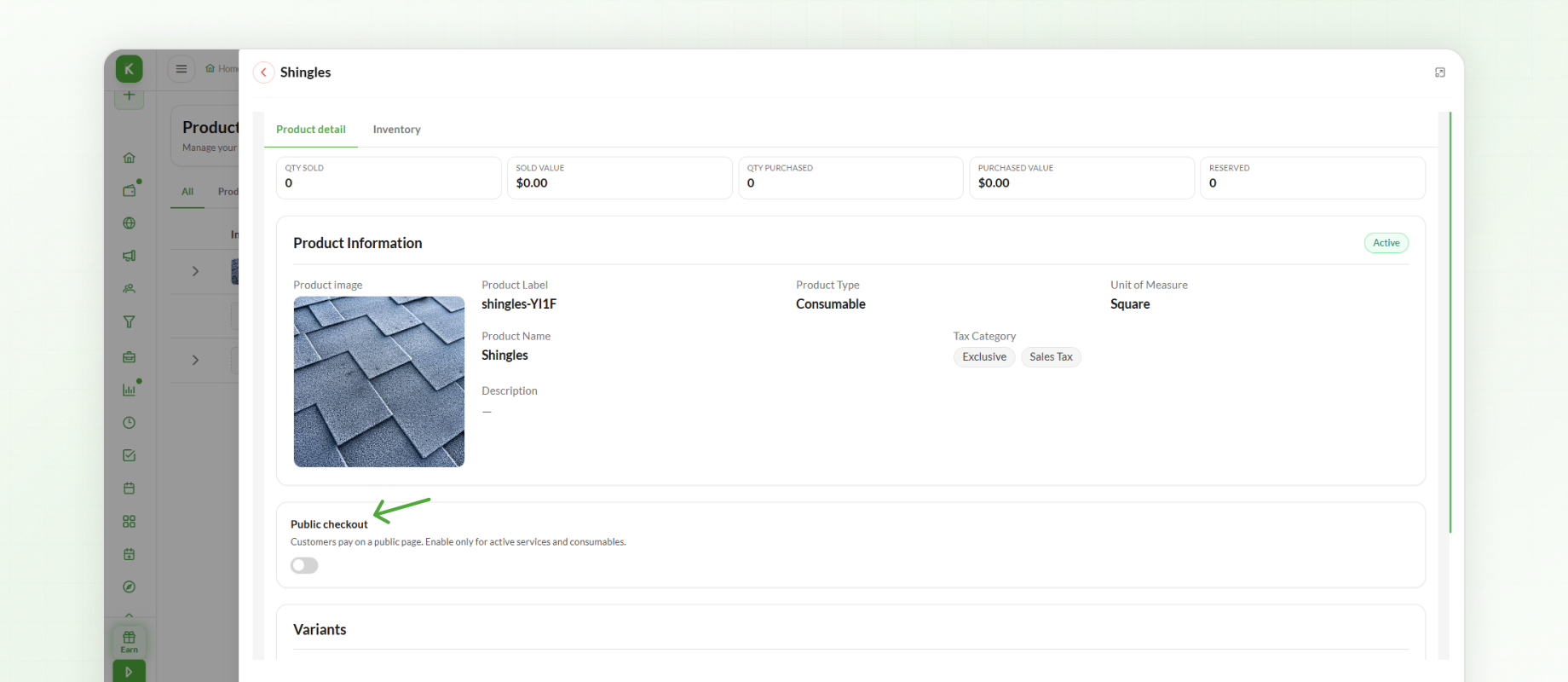
The link can be shared directly with customers or added to a website to allow customers to access the checkout page.
Activating or Deactivating Public Checkout
Users can enable or disable public checkout directly from the product or service detail page.
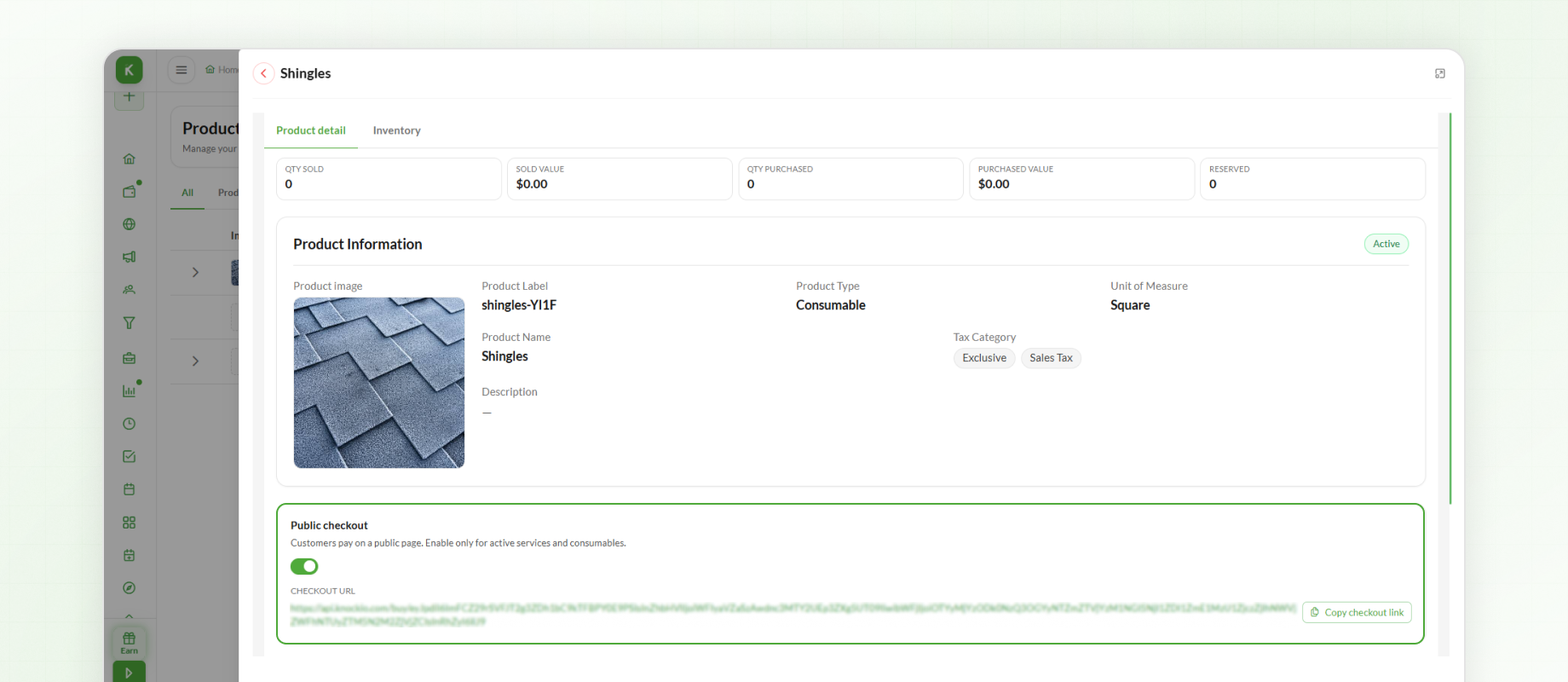
Activate Checkout – Makes the public checkout page available to customers.
Deactivate Checkout – Disables public checkout for the product or service.
Activate checkout before sharing the link with customers so they can access the public page.
Subscription Options for Services
Customers can subscribe to eligible services through the public checkout page when subscription options have been configured.
This allows customers to select an available subscription option and complete the checkout process online.
Sharing a Public Checkout Link
To make a product or service available for public checkout:
Open the required product or service detail page.
Locate the Public Checkout Link.
Activate checkout to make the page available to customers.
Copy the checkout link.
Share the link directly with customers or add it to your website.
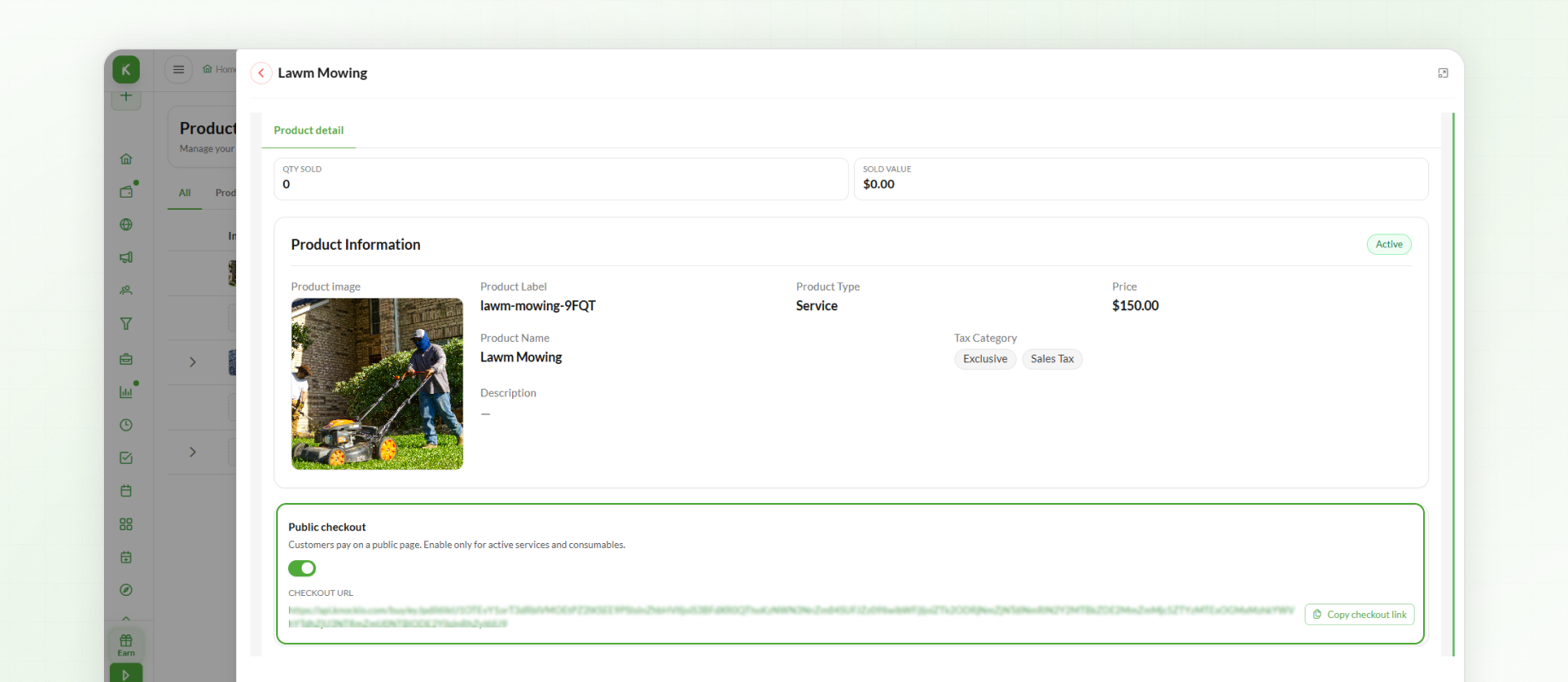
Customers can then open the public checkout page to purchase the eligible product or service.
Next Steps
Public Checkout provides another way for customers to purchase eligible products and services online. Users can activate checkout for the required items and share their links through direct communication or their websites.