
Take Your Knockio Experience to the Next Level.
An overview of Knockio’s latest production updates, including new add-on capabilities and improvements to communication, invoicing, and platform consistency.
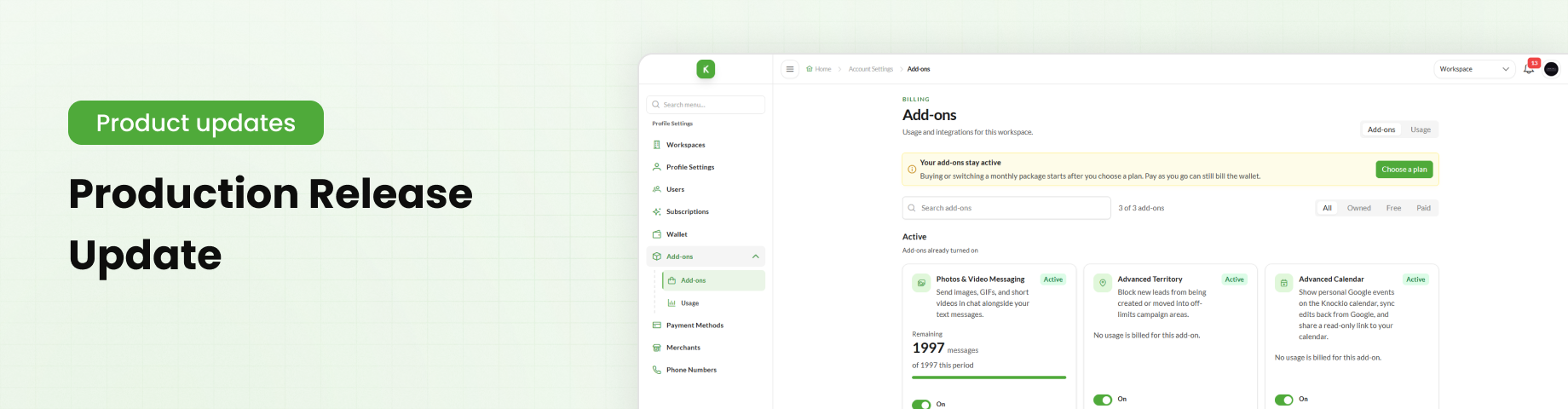
Table of Contents
Overview
Our latest release gives you more control over your daily operations. With new plugins, improved filters, and fixes across the platform, Knockio continues to give sales and field service teams more flexibility in the way they work.
Here’s a look at what’s new in the Knockio and how these updates can fit into your workflow.
1. Plugins and Add-ons
Plugins and add-ons are now active on the platform. Users with an active subscription can browse the available add-ons and subscribe to the plans that best suit their requirements.
Accessing Add-ons
To view available add-ons:
Open Profile Settings.
Select Add-ons from the left-hand navigation menu.
Browse the available add-ons.
Select the required add-on and subscribe to its plan.
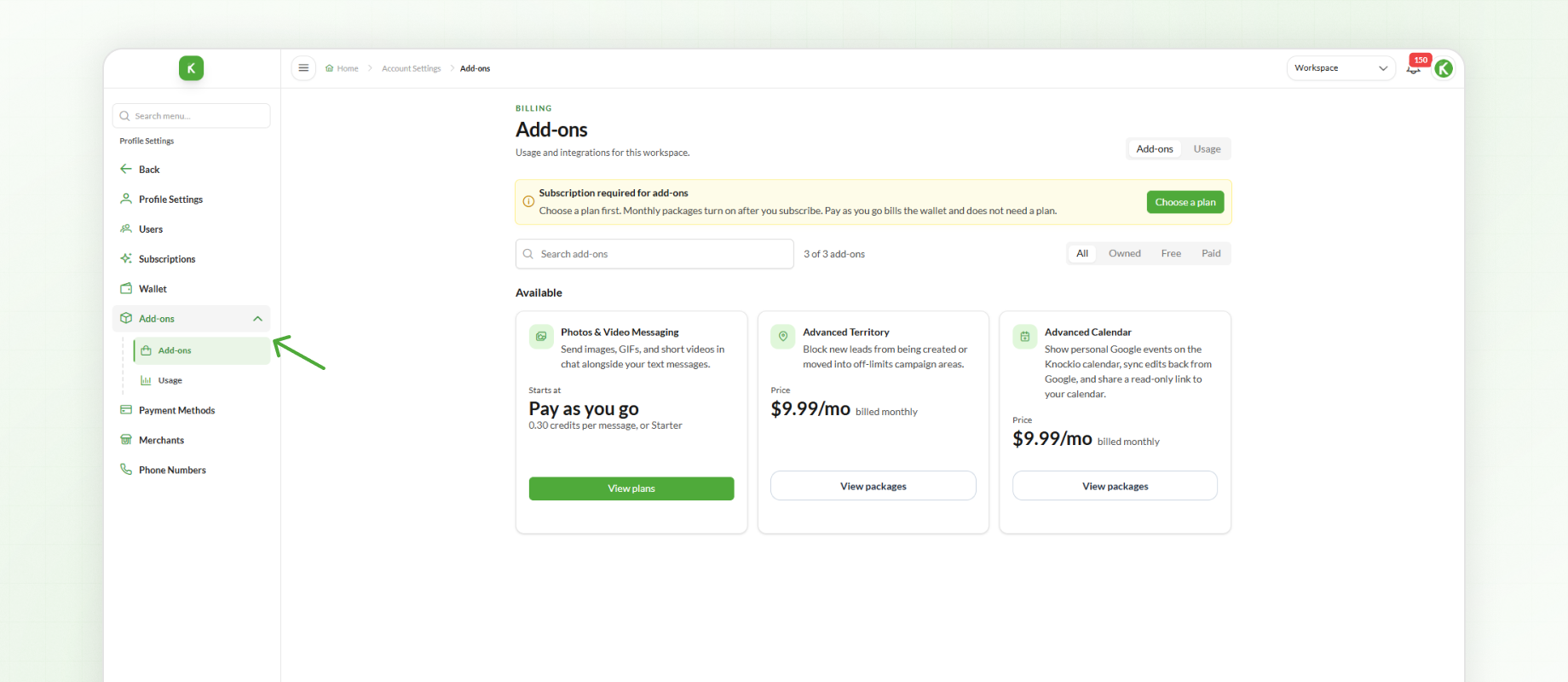
Users must have an active subscription to access and activate available add-ons.
MMS Plugin
MMS is now available as an add-on, giving users more flexibility in how they manage their messaging usage.
Available options include:
Pay-as-you-go
MMS Plans
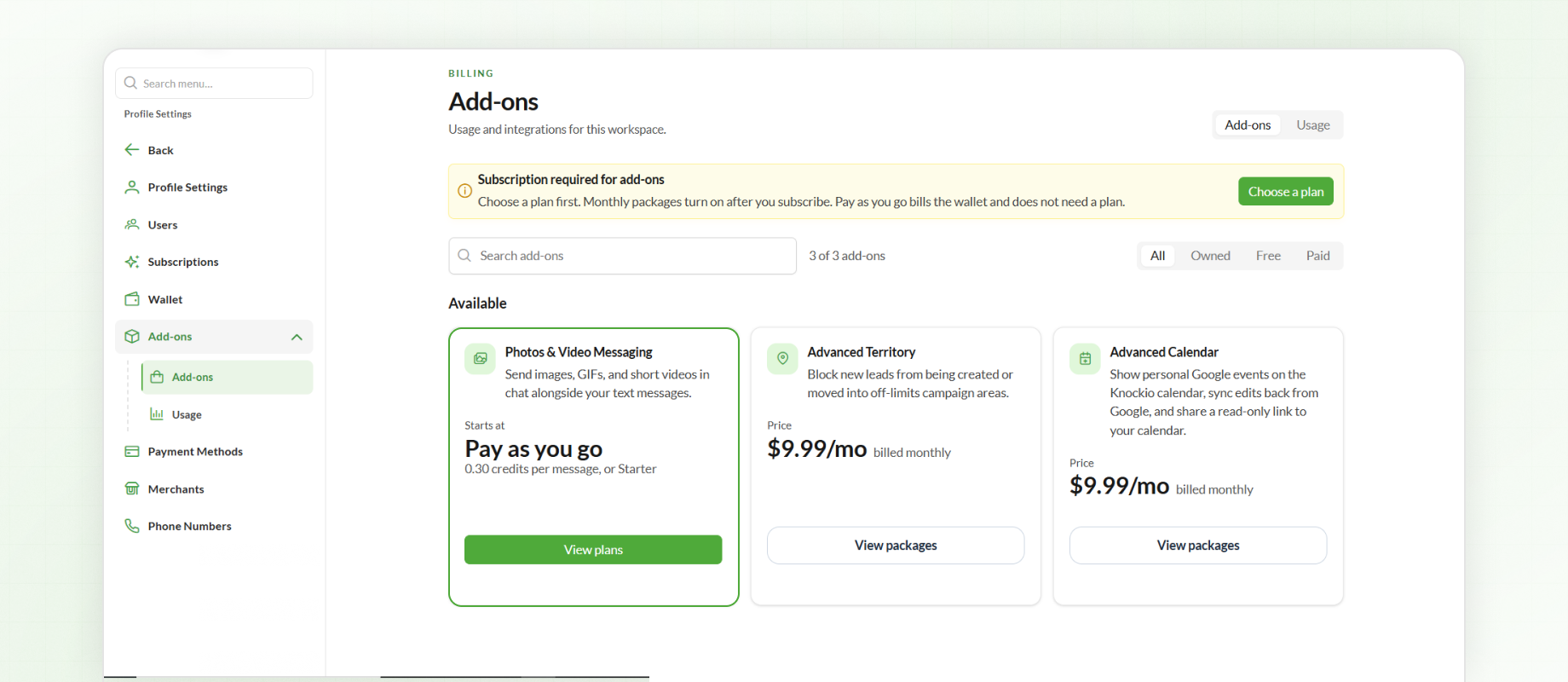
For businesses that use picture messages as part of customer communication, these options let them choose a pricing model that matches their messaging needs. To get started, open the Add-ons section and select the required MMS option.
Advanced Territory Add-on
With the new Advanced Territory add-on, admins can take greater control of where campaigns create and move leads by restricting specific territories.
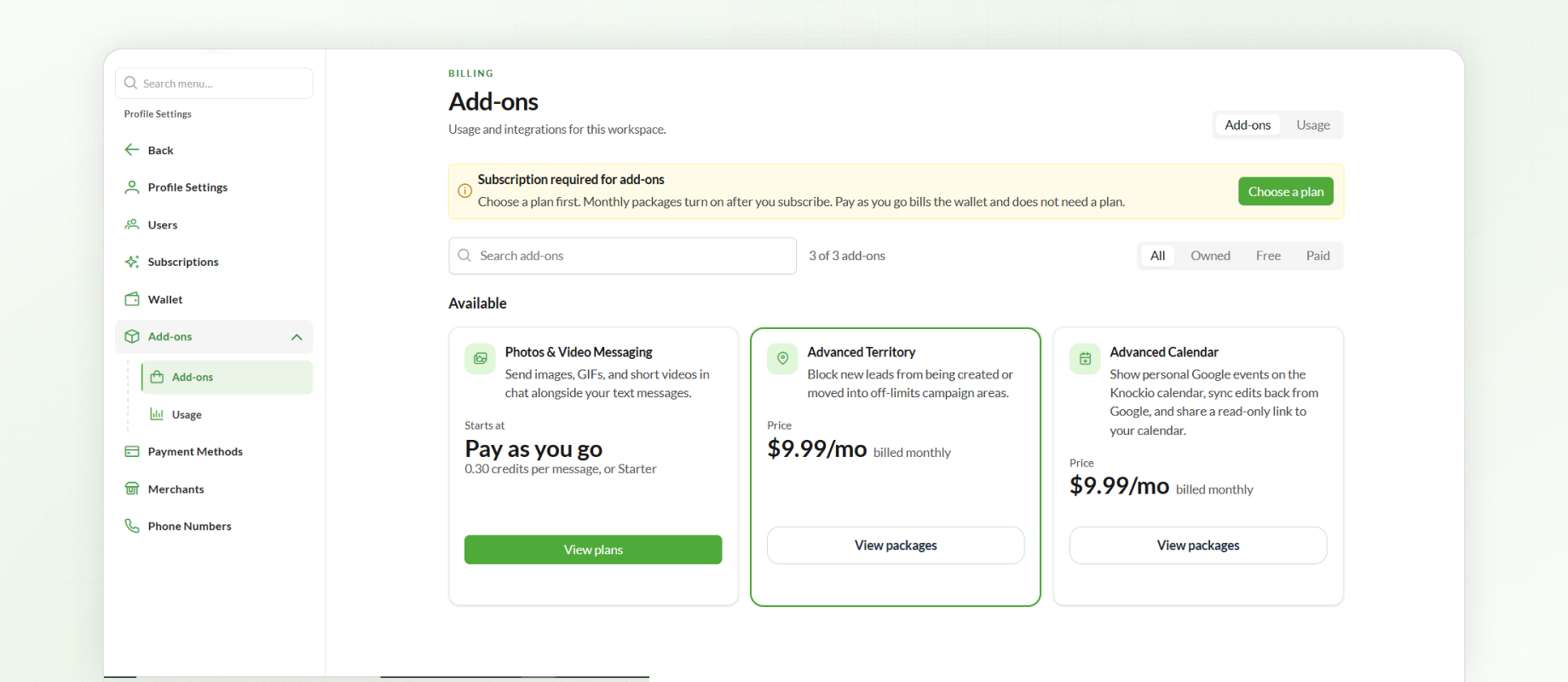
Whether you're managing door-to-door sales campaigns across multiple cities or keeping certain areas off-limits, you can now define restricted territories using ZIP codes. Simply paste a list of ZIP codes or upload a file to create territories and prevent campaigns from creating or moving leads within those areas.
This gives sales teams better control over their campaign coverage, helps prevent unwanted lead activity in restricted areas, and makes managing territories across regions easier.
You can also turn off the add-on at any time to immediately stop restricted-territory enforcement.
Other Updates
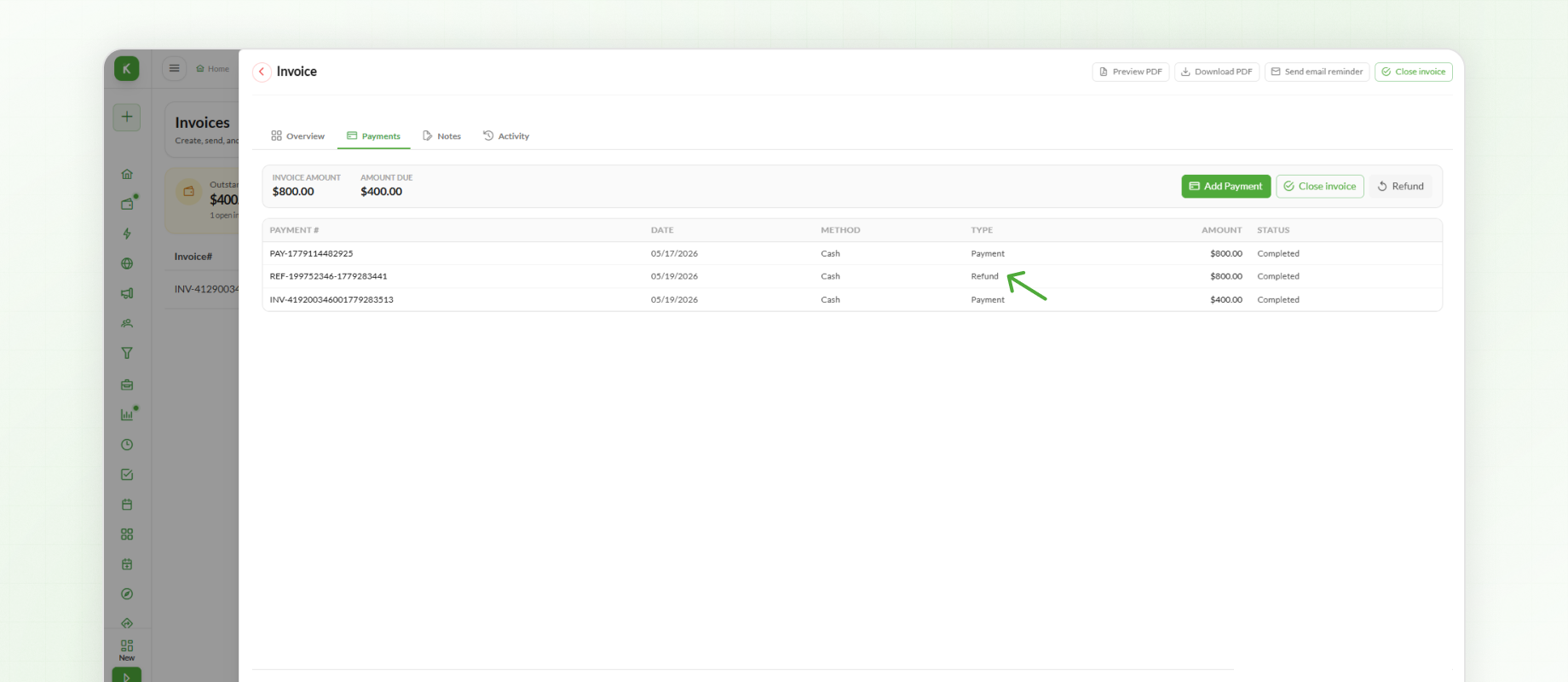
2. Refunded Amount on Invoice PDF
Refunded amounts are now displayed directly on the Invoice PDF, giving users a clearer view of financial transactions when a refund has been issued.
For example, if a customer receives a refund after a service adjustment, the refunded amount appears on the invoice PDF, making the financial record easier to review.
3. Conversation Visibility
Conversation visibility has been updated for users with View All permission for conversations.
Users with this permission can now view all communication associated with a lead.
A new user filter has also been added at the top of the conversation section. This allows users to filter communication based on the user associated with the conversation.
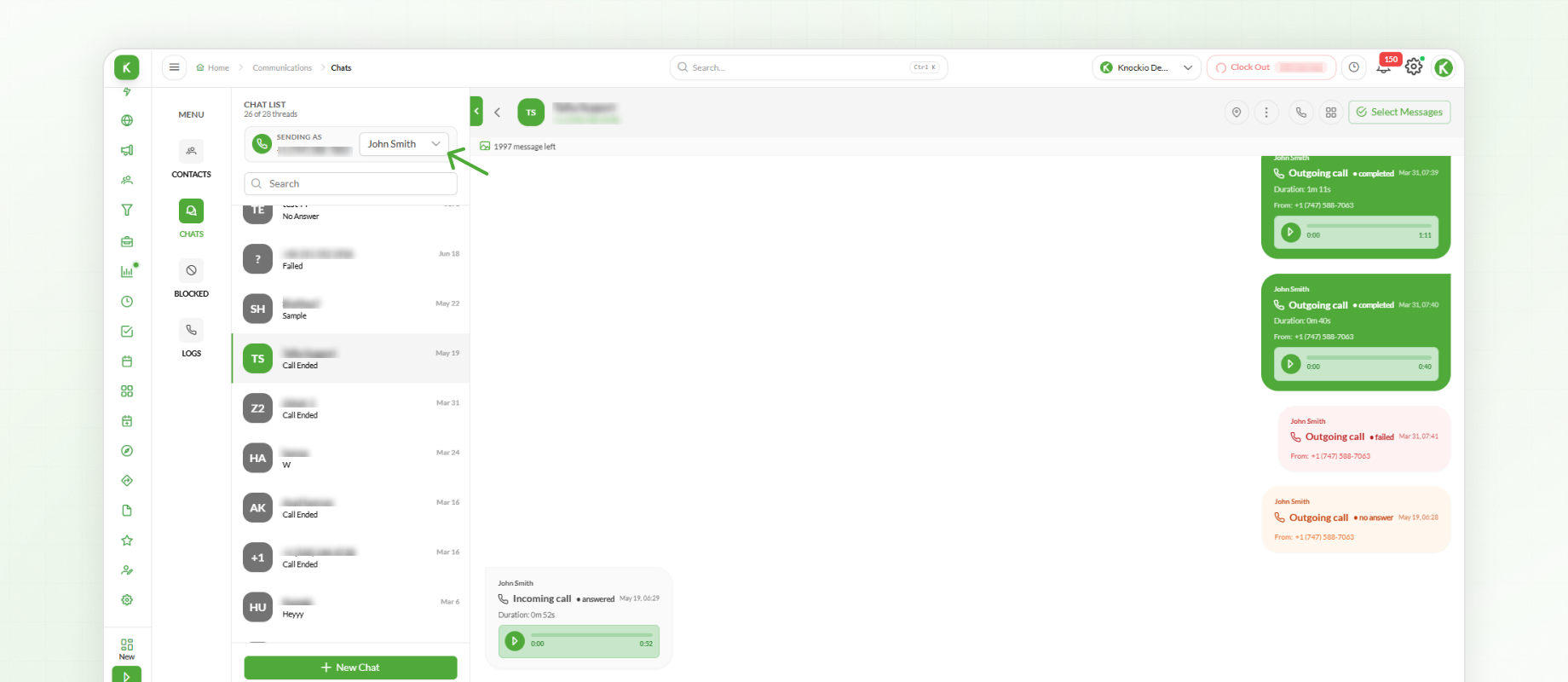
For a sales manager reviewing a lead, this makes it easier to check communication handled by different team members. The user filter helps narrow the view when reviewing a particular person’s conversations.
4. Phone Number Filters
The Phone Numbers section now includes two filters:
Assigned
Unassigned
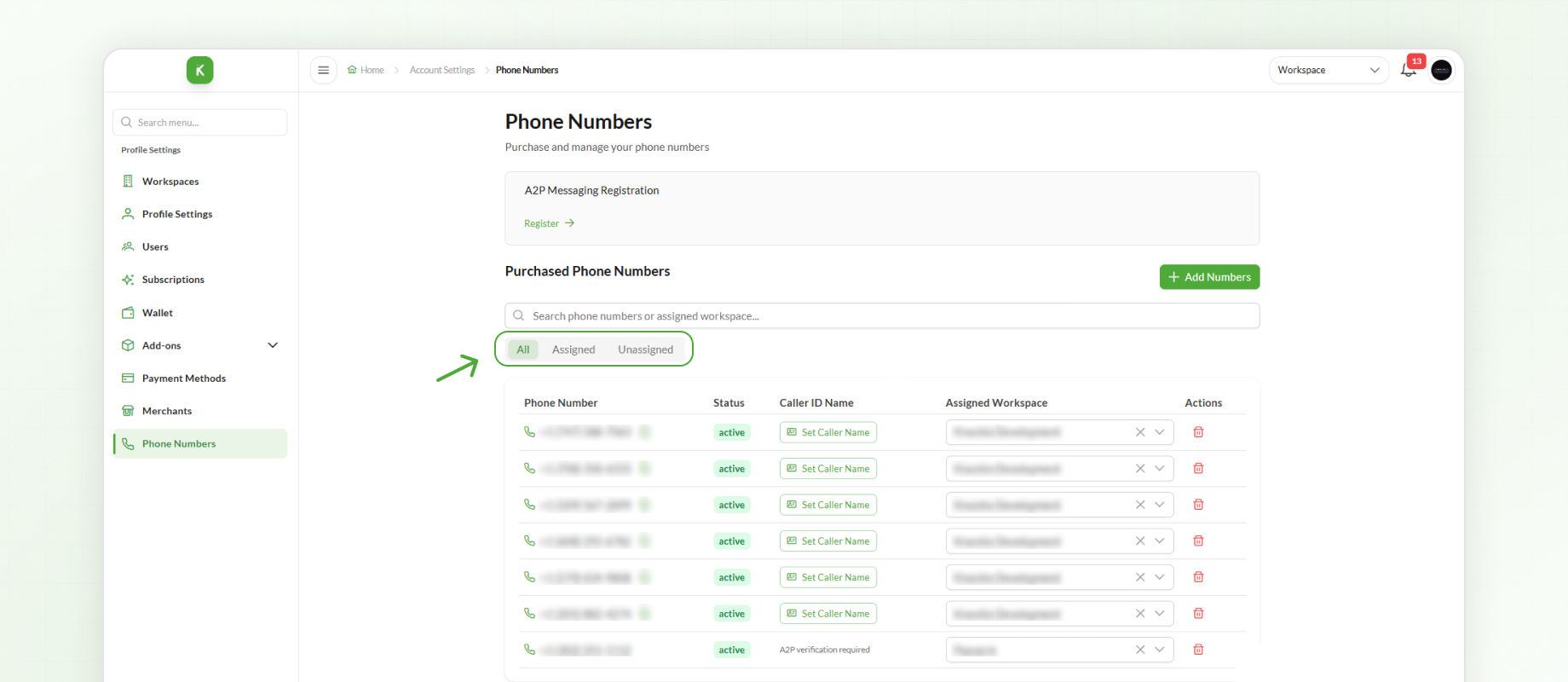
These filters help users quickly identify which phone numbers are already assigned and which are available for assignment.
When a business adds new representatives or updates its team assignments, admins can filter for unassigned numbers to find available options without reviewing the entire list.
5. E-Contract Character Limit Fix
The character limit issue affecting e-contracts on the mobile app has been fixed. Users can now enter e-contract content without encountering the previously reported character limit issue.
For field teams preparing agreements on mobile devices, this fix addresses a content-entry issue that could interrupt their workflow.
6. Date Format Standardization
Dates are now displayed consistently throughout the application using the US date format (MM/DD/YYYY). This update removes inconsistencies in how dates appeared across different sections of Knockio.
Whether users are reviewing leads, schedules, invoices, or other records, they will now see dates presented in the same format throughout the platform.
Summary
This production release introduces new add-on capabilities, including MMS and Restricted / Blocked Territories, along with improvements to conversations, phone number filtering, invoice PDFs, and e-contracts.
Date formatting has also been standardized across the application to provide a consistent experience throughout the platform.